Analytics
Analytics shows how finished work actually went: what you earned for each hour, which jobs ran over, and what made money. It's on the web.
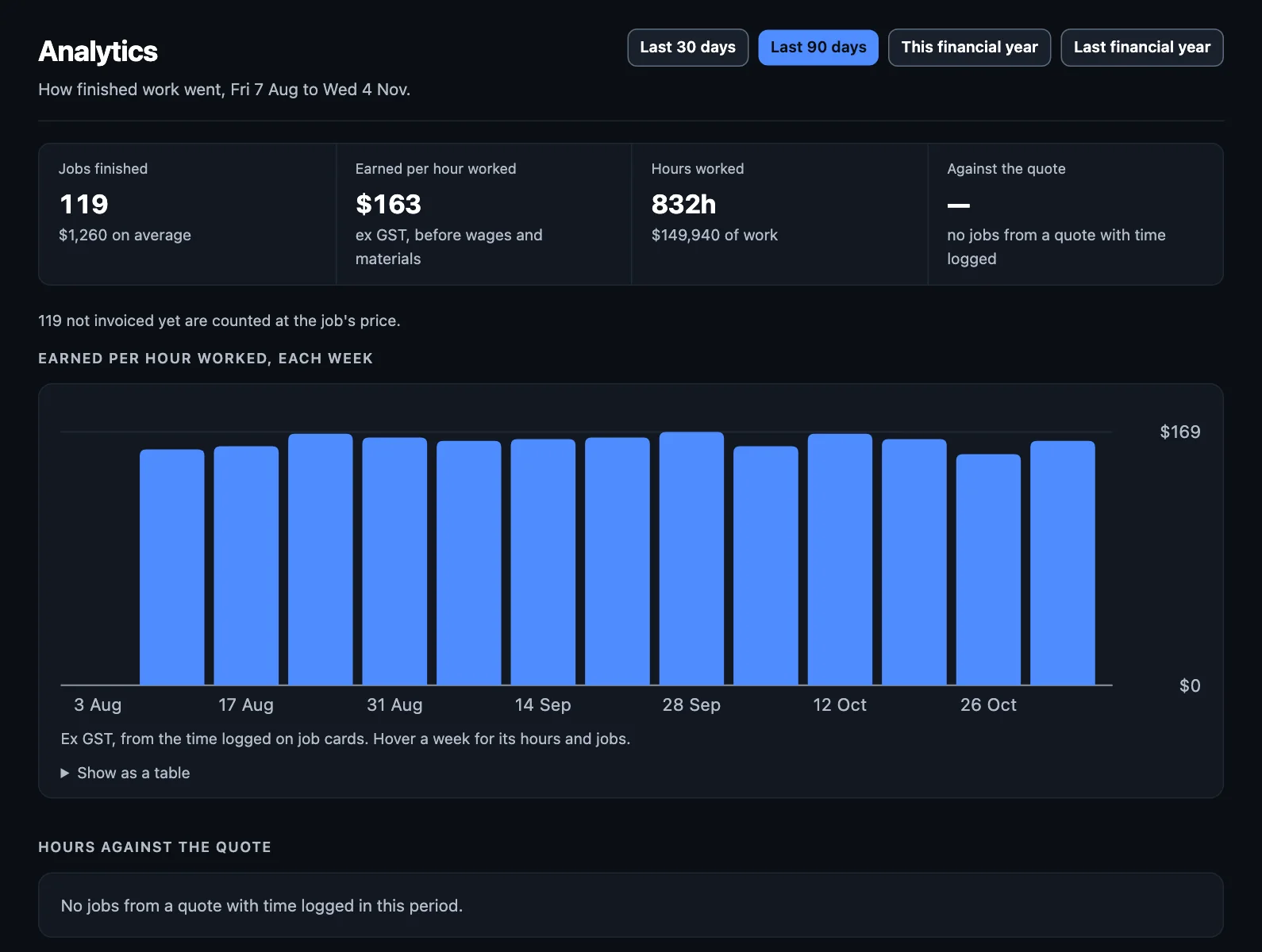
Choosing a period
Use the buttons at the top: the last 30 days, the last 90 days, this financial year or last.
The numbers
- Jobs finished, and the average job.
- Earned per hour worked: excluding GST, before wages and materials. This is the one to watch over time, and it's charted by week.
- Hours worked: from the job cards.
- Against the quote: hours worked compared with hours quoted.
These rely on time being logged on the job card. Jobs with no time logged aren't in the hours or the earnings per hour, and the page says how many.
Are your quotes right?
Hours against the quote shows each type of job, the hours you quoted, and the hours worked. Ran furthest over lists the worst ones. If a kind of job always runs over, change what you quote for it, or check your rates.
Profit on each job
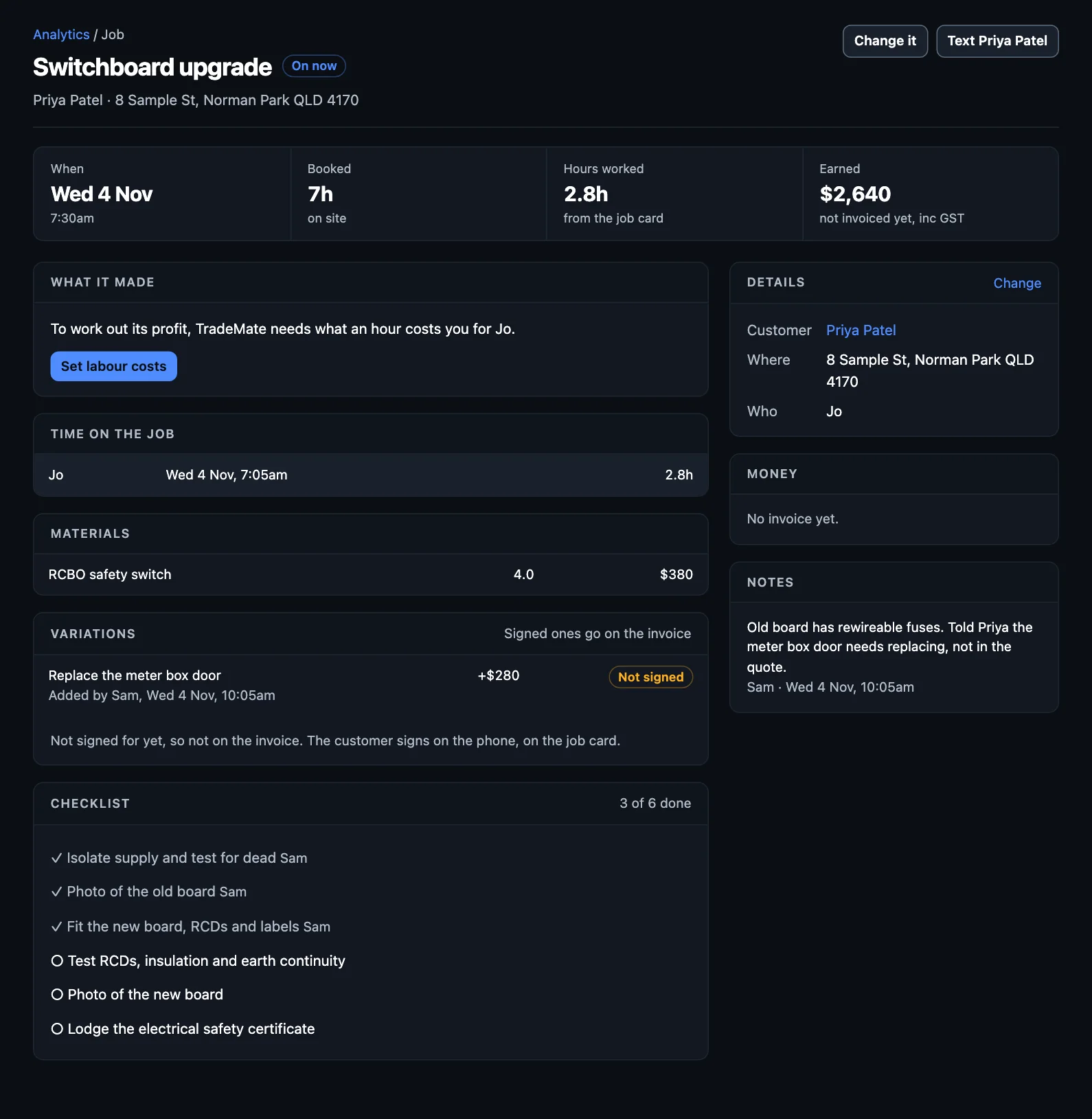
Finished jobs lists what each earned, its hours, and its profit and margin. For this, TradeMate needs to know what an hour of someone costs you. Set that in Settings → Labour costs, with a default, a figure for each person, and a multiplier for on-costs beyond wage and super.
Click a job to see how its profit's worked out: what it earned, less labour and materials at cost. Your margin's compared with your trade's target, and it says when a job's under.
By person
By person shows each person's jobs, hours and share of the work. A job's earnings are shared between the people on it by the hours each logged.
Only the owner and people with money access can see Analytics. Someone on the tools won't.