Start your free trial
It takes about five minutes. You'll need your email and your phone. There's no card to enter: your 30-day free trial starts when you finish.
1. Make your login
- On the home page, press Start your free trial.
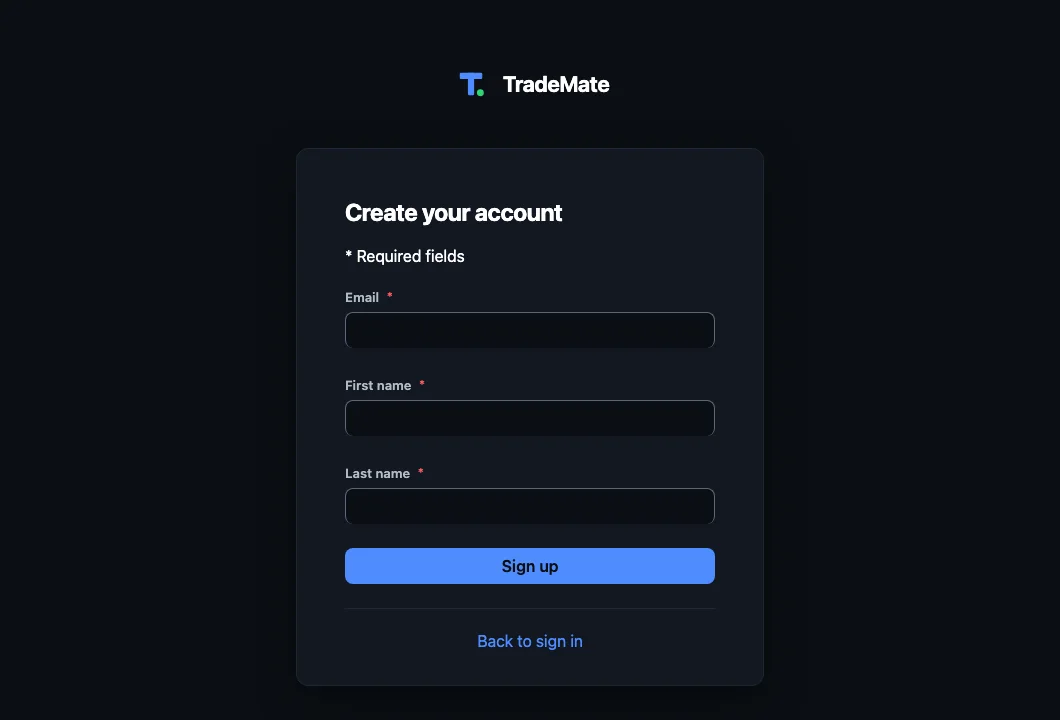
- Enter your email and your name, then press Sign up. You won't choose a password yet.
2. Confirm your email
We email you a link. Open it to prove the address is yours. It works for 24 hours.
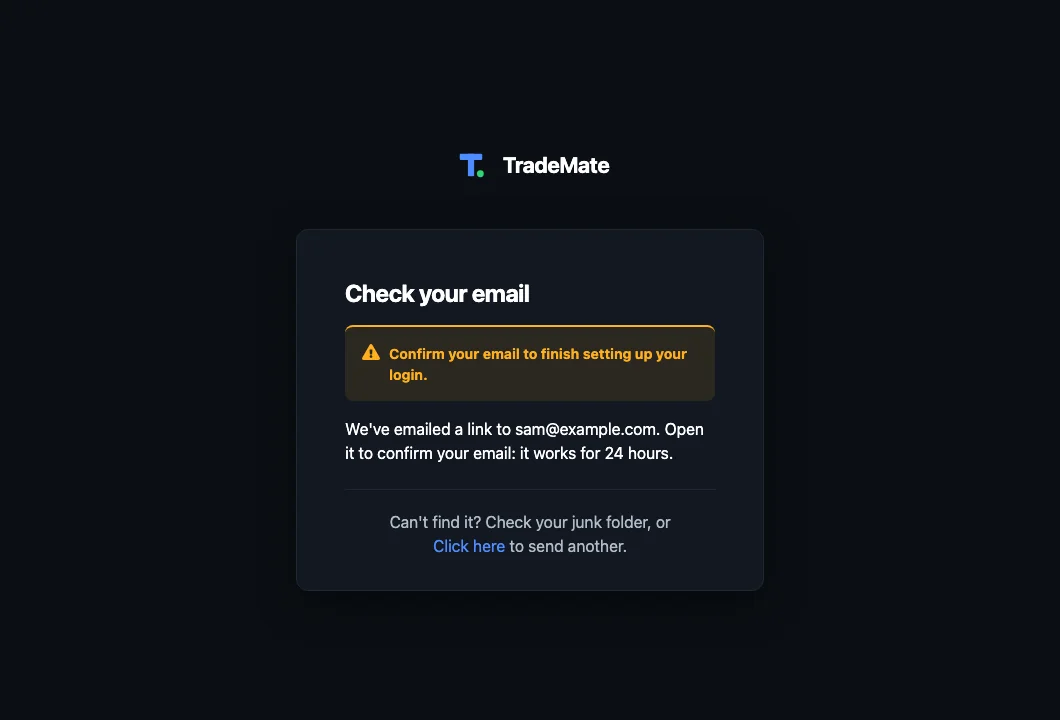
Link expired? Your email is already taken by the login you started, so signing up again won't work. Go to the sign-in page and use Forgot your password?. We'll email you a new link and you can carry on from there.
3. Set up your code, then choose a password
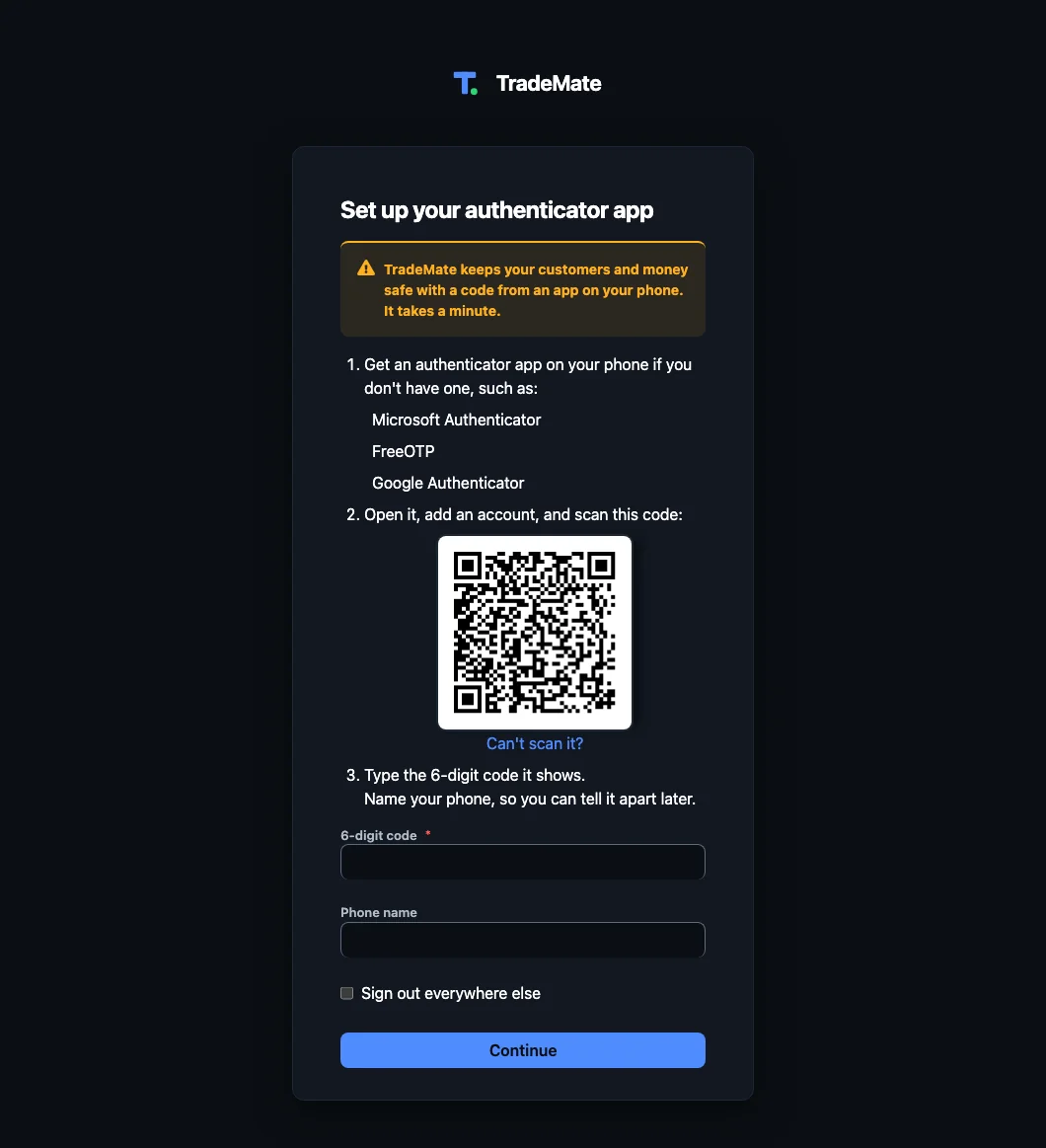
The link takes you to setting up an authenticator app on your phone, which gives you a 6-digit code at each sign-in. Everyone in TradeMate does this, because your login can see your customers and your money.
- Get an authenticator app if you don't have one. Google Authenticator, Microsoft Authenticator and 1Password all work.
- In the app, add an account and scan the square code on the page.
- Type the 6-digit code it shows, name your phone, and press Continue.
- Choose your password. From now on you sign in with your email, this password and a code.
More on this in Signing in and your login.
4. Tell us about your business
Enter your business name, your trade, your state, and how many people are on the tools. Your trade matters: it sets up your kinds of job and their checklists, the repeat work to offer again, your roles, and your starting rates.
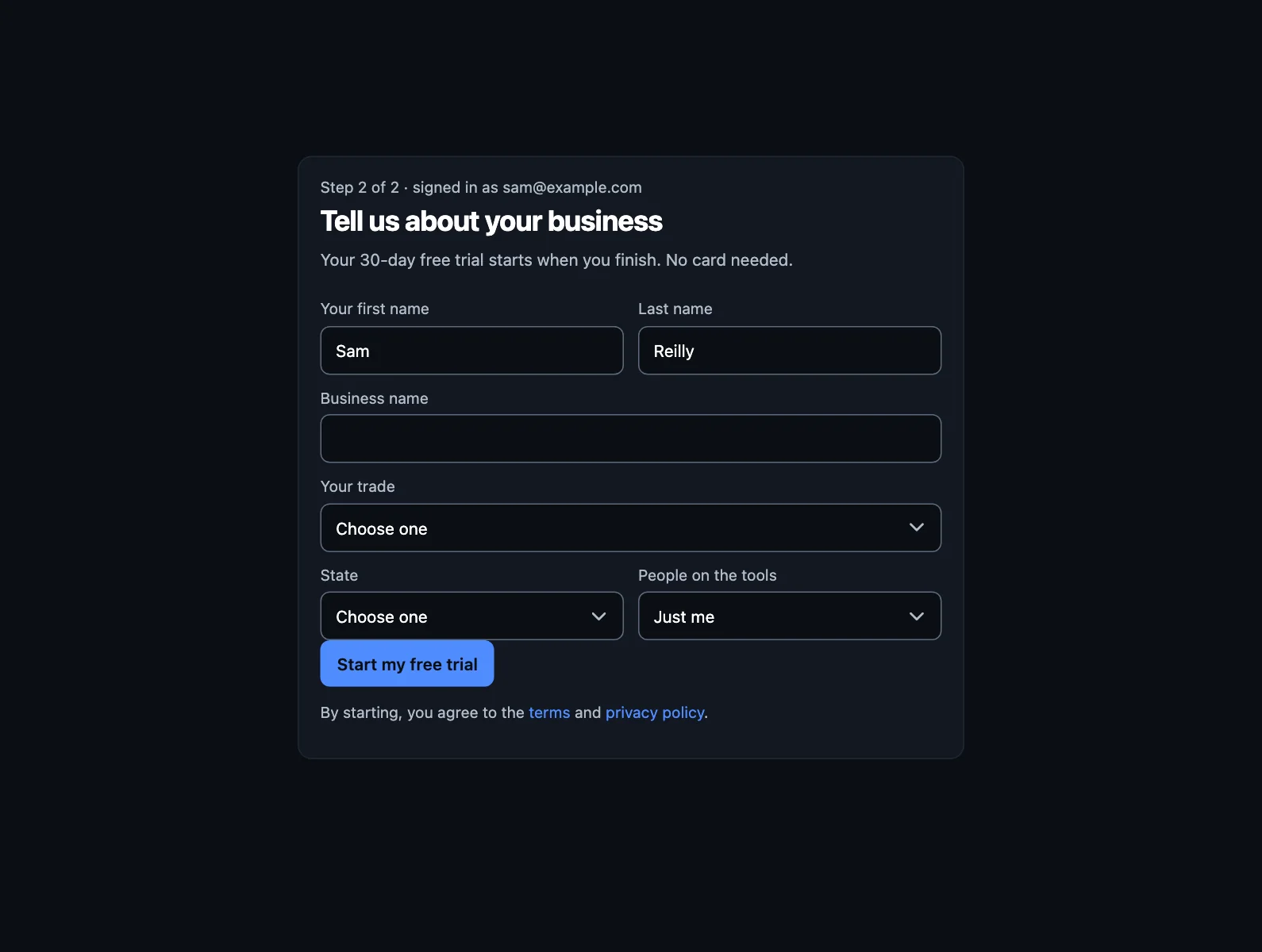
Press Start my free trial and you're in.
5. Get the app on your phone
TradeMate works in two places, with the same login:
- The phone app is for the van: speak a quote, run the job card, text the customer, take a card payment.
- The web app at your computer is for the office: the full schedule, the pipeline, cashflow, settings.
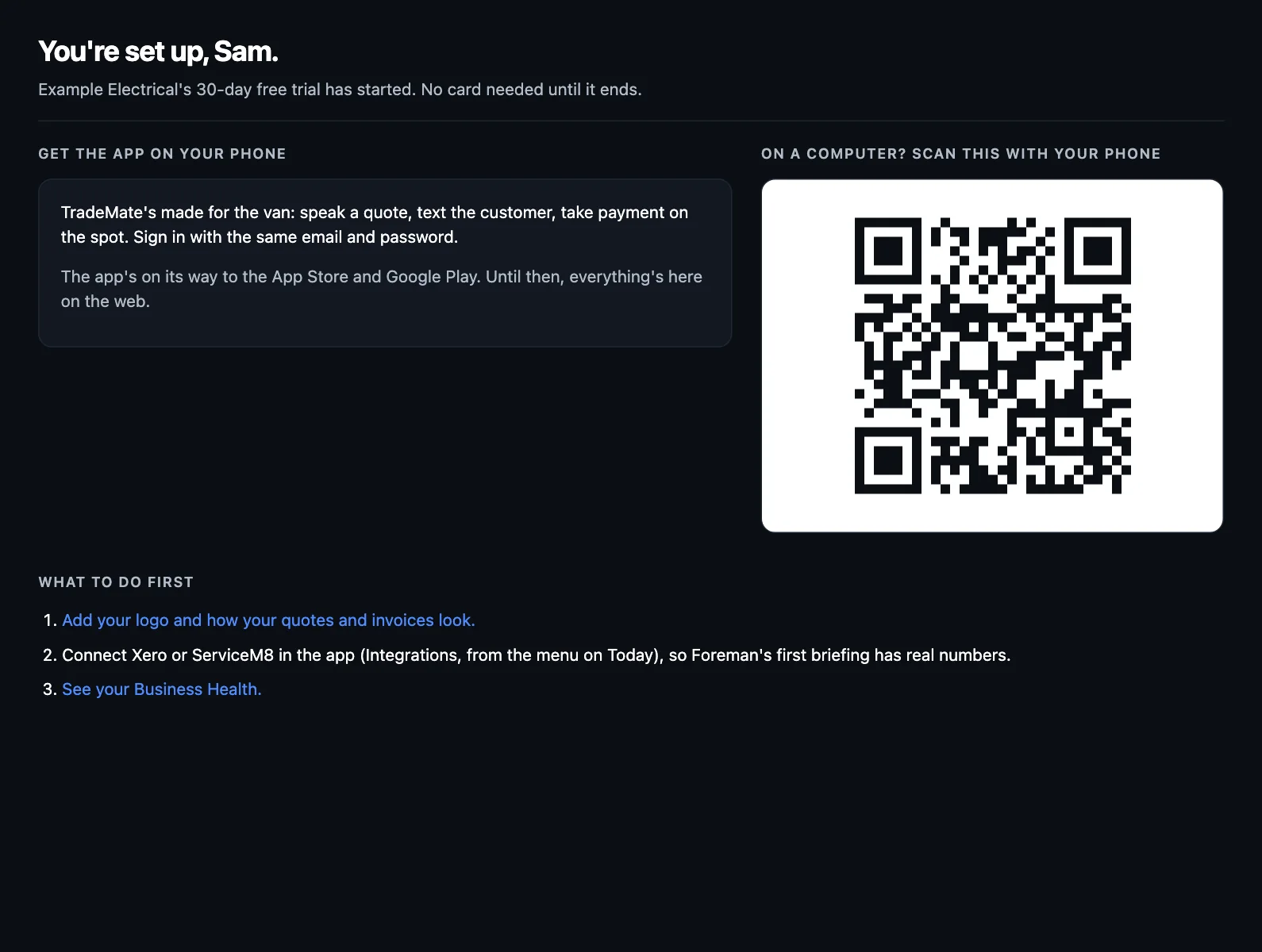
The page you land on has the links to the App Store and Google Play. On a computer, scan its square code with your phone.
If the app isn't in your store yet, carry on in the web app. Quotes, invoices, the schedule and settings are all there. The job card and taking a card payment are on the phone.
What next?
- Set up your business: check your rates, add your logo, and connect Xero if you use it.
- A job from enquiry to paid: see how it all fits together.