Customers
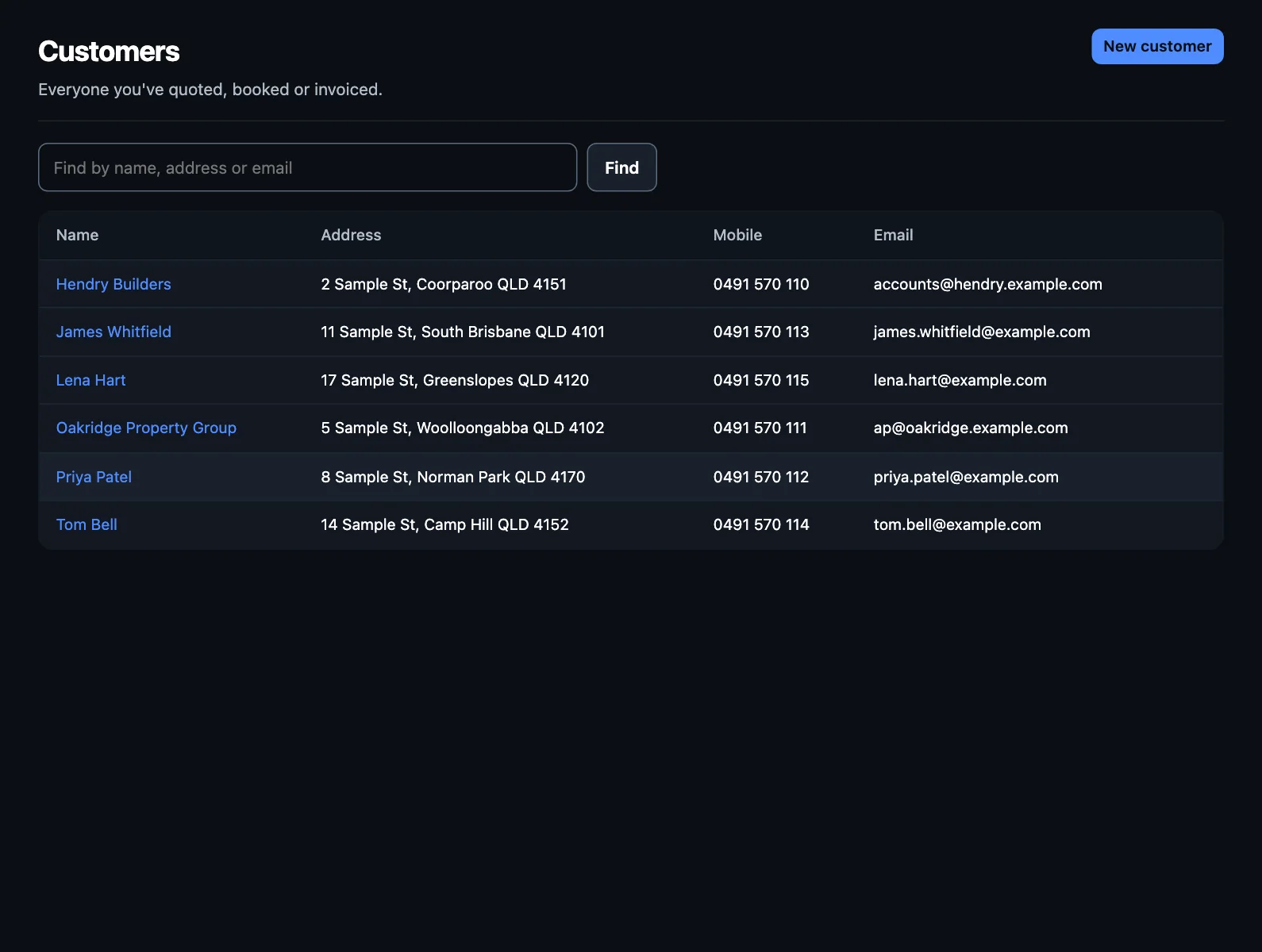
Customers is everyone you've quoted, booked or invoiced. With Xero connected, your Xero contacts are here too.
Adding a customer
You rarely have to do it separately. On a new quote, job or invoice, start typing a name or address and pick from the list. If they're new, give their name and they're added when you save. To give their mobile, email and address too, add them first with New customer.
A customer's page
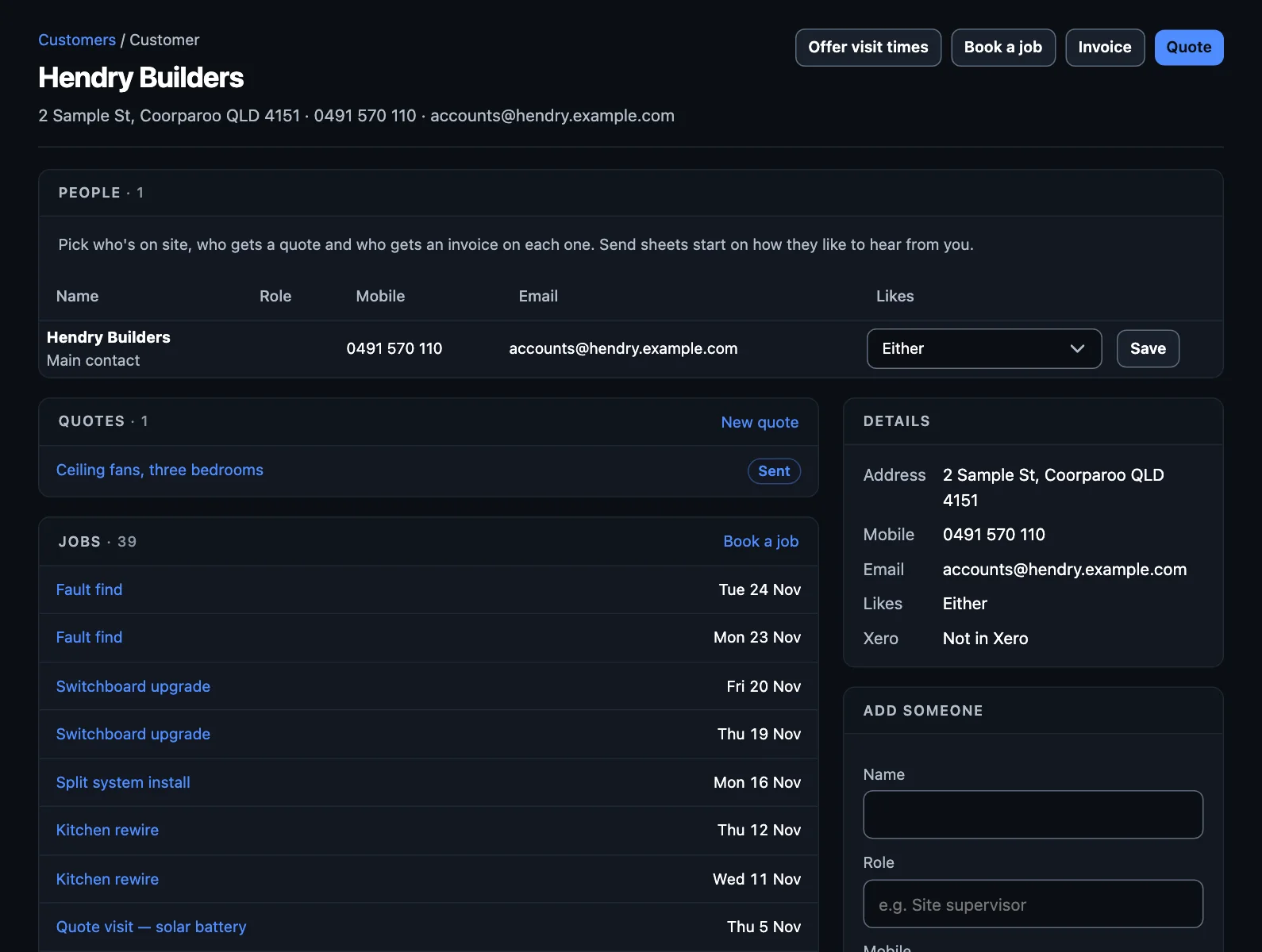
Everything you've done for them: quotes, jobs and invoices, with buttons to start another.
More than one person at a customer
A builder's site supervisor isn't who pays the bills. Under Add someone, add the people at a customer, with their role, mobile and email. Then on each job or quote you can pick:
- Who's on site: for texts about the job.
- Who gets the quote.
- Who gets invoices and reminders. Set this once under Who gets invoices. It applies from then on: invoices already made keep who they had.
How they like to hear from you
Under Likes, choose text, email or either for each person. Send sheets start on that, and you can still change it each time.
With Xero
A customer from Xero shows In Xero. TradeMate won't add someone new to your Xero contacts without asking: there's a tick box when you send. See Connections.
Finding someone
Search by name, address or email. Long lists come a page at a time.
NextAnalytics →