Ask Foreman
Foreman is TradeMate's AI. He knows your jobs, quotes, invoices, team and cash, and you can ask him anything about them. On the phone it's the Assistant tab. On the web it's Ask Foreman.
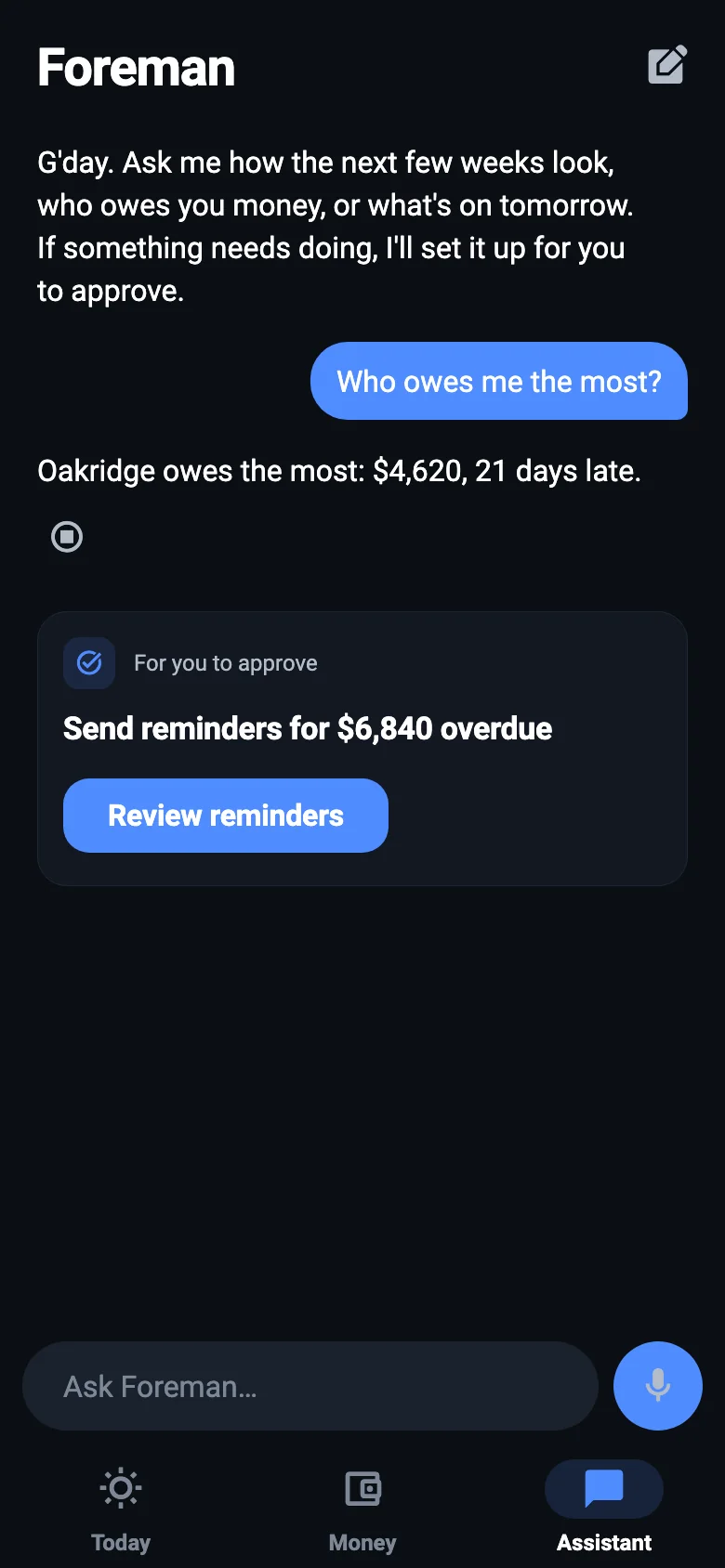
How to ask
- Press the microphone and say it, or type it. Check what it heard.
- Press Send. He takes a few seconds to look things up.
- If he suggests doing something, you'll get a card with a button to review it.
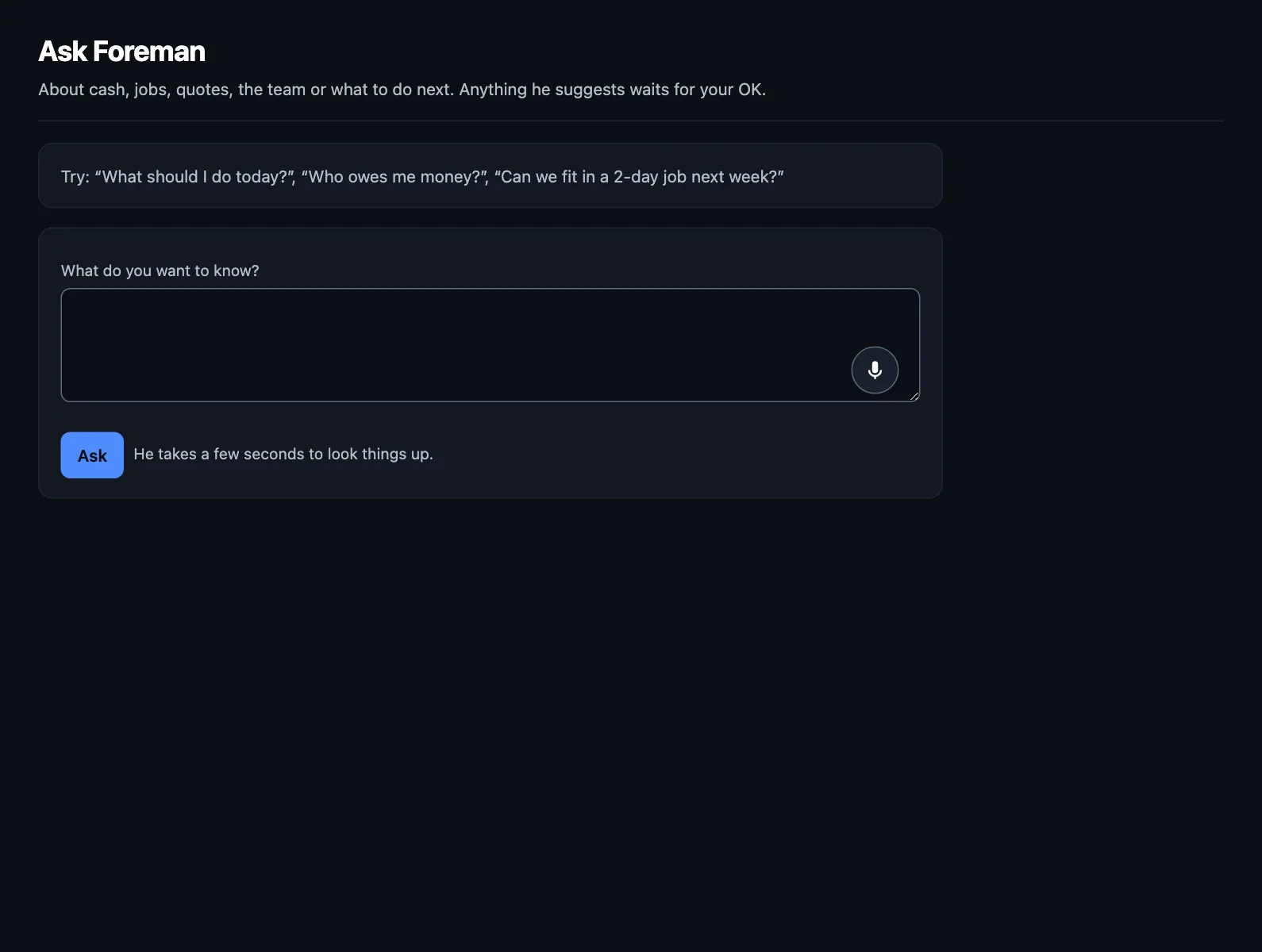
Things to try
- "What should I do today?"
- "Who owes me the most?"
- "Can we fit in a 2-day job next week?"
- "Can I afford to take Friday off?"
- "How do the next few weeks look?"
- "What's on tomorrow?"
What he can and can't do
He sets things up. You say yes. He can draft a quote or reminders, or point you to a job to mark done, but each comes to you to check first. He can't send anything to a customer, or move any money, by himself.
Prices, dates and times come from TradeMate, not from him. Quote prices come from your rates and price list. Figures in his answers come from your own records.
He can be wrong about what you meant. Have a read of his answer, especially when you're making a decision on it. That's why everything he drafts has notes on what he assumed.
Starting again
Press the new conversation button at the top (on the web, New conversation) when you change topic. He'll give you better answers with a clean start.
Tell Foreman on a job
On the job card, Tell Foreman turns what you say into time, materials, checklist ticks and notes on that card, for you to check.
NextEnquiries →